Website
Go to Babu88 by opening the website.
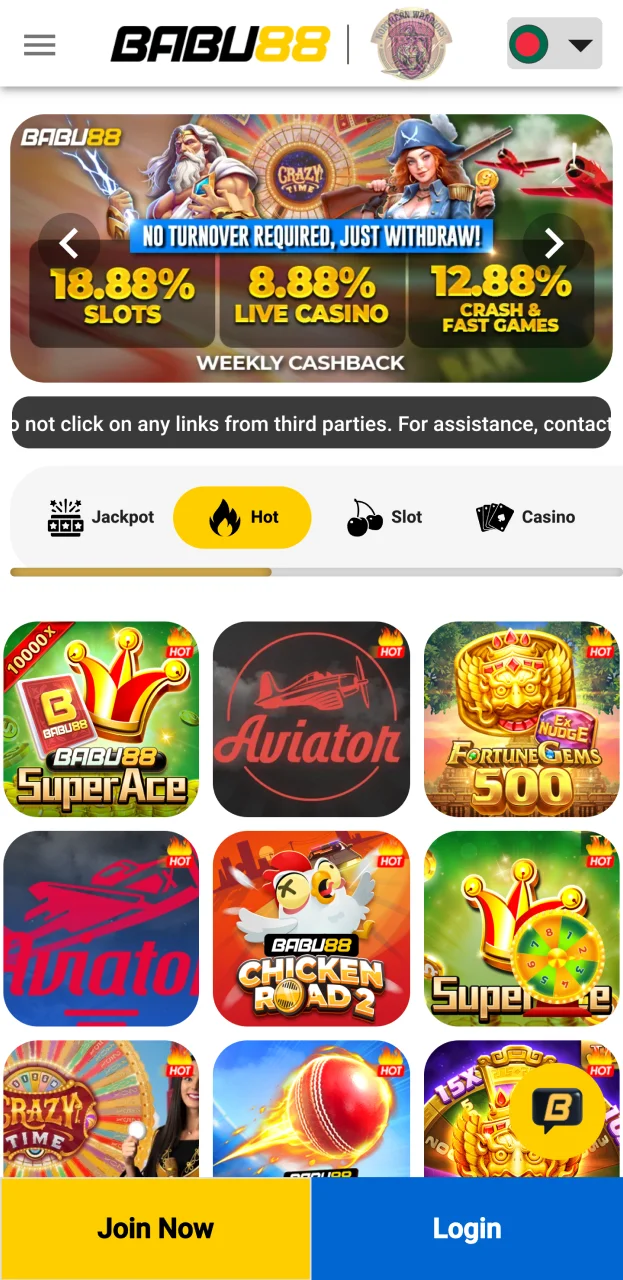

Welcome Bonus for Sports: 100% Up to 12,000 BDT
Welcome Bonus for Slots: 100% Up to 18,000 BDT
Welcome Bonus for Live Games: 50% Up to 13,000 BDT
Welcome Bonus for Crash Games: 50% Up to 10,000 BDT
While using our Babu88 betting company, you will undoubtedly need to make deposits and will want to withdraw your winnings, for which reason we make sure that all the payment methods we provide you are legit and useful. We only cooperate with those payment methods who can guarantee the safety of your deposits and withdrawals without any commission, therefore, whatever payment you have, it will be safe, quick and transparent.

Depositing is required if you want to start playing our games or placing sports bets for real money. We offer a diverse range of deposit methods for you, which include:
| Method | Commission | Processing Time | Minimum Deposit, BDT | Maximum Deposit, BDT |
| Nagad | Free | Instant | 400 | 30,000 |
| Bkash | Free | Instant | 400 | 30,000 |
| Upay | Free | Instant | 500 | 30,000 |
The process of making a deposit on our platform is made as easy and safe as possible, and will only take a few minutes of your time to complete. If you want to make your deposits, you will need to do the next steps:
Go to Babu88 by opening the website.
Log into your account by entering the username and password, or create a new account by pressing the “Join Now” button and filling in all the required information.

Press the blue plus button, then select the deposit method you would like to use.
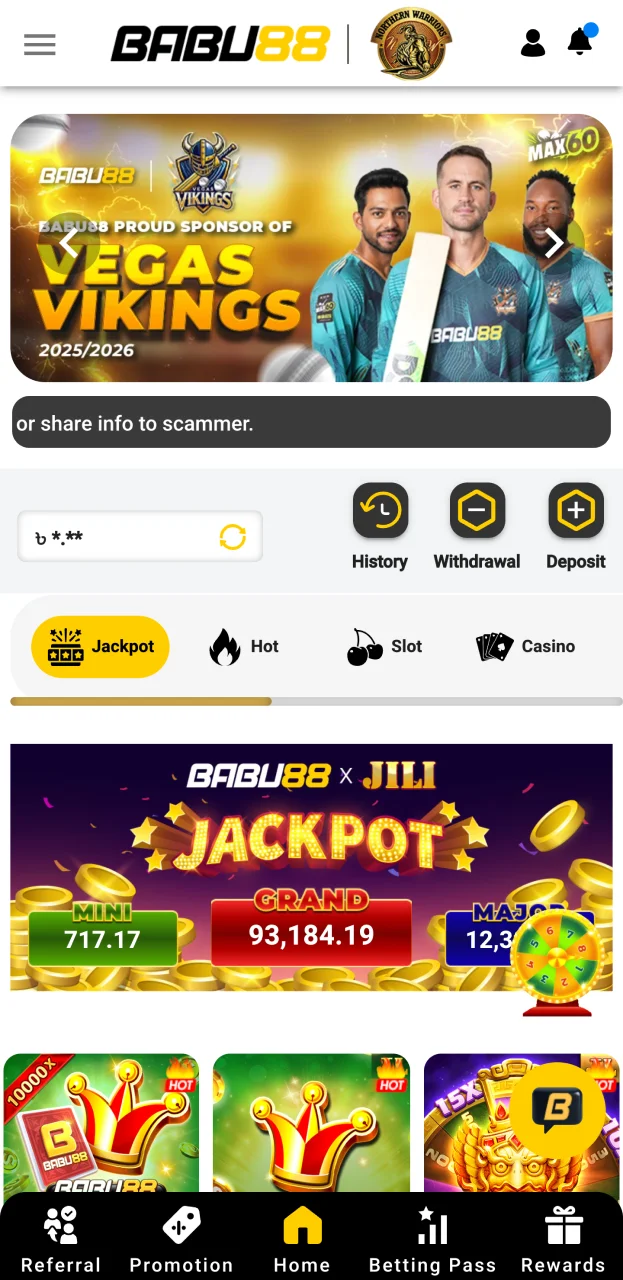
Enter the wallet address along with the amount you wish to deposit, and confirm your payment.
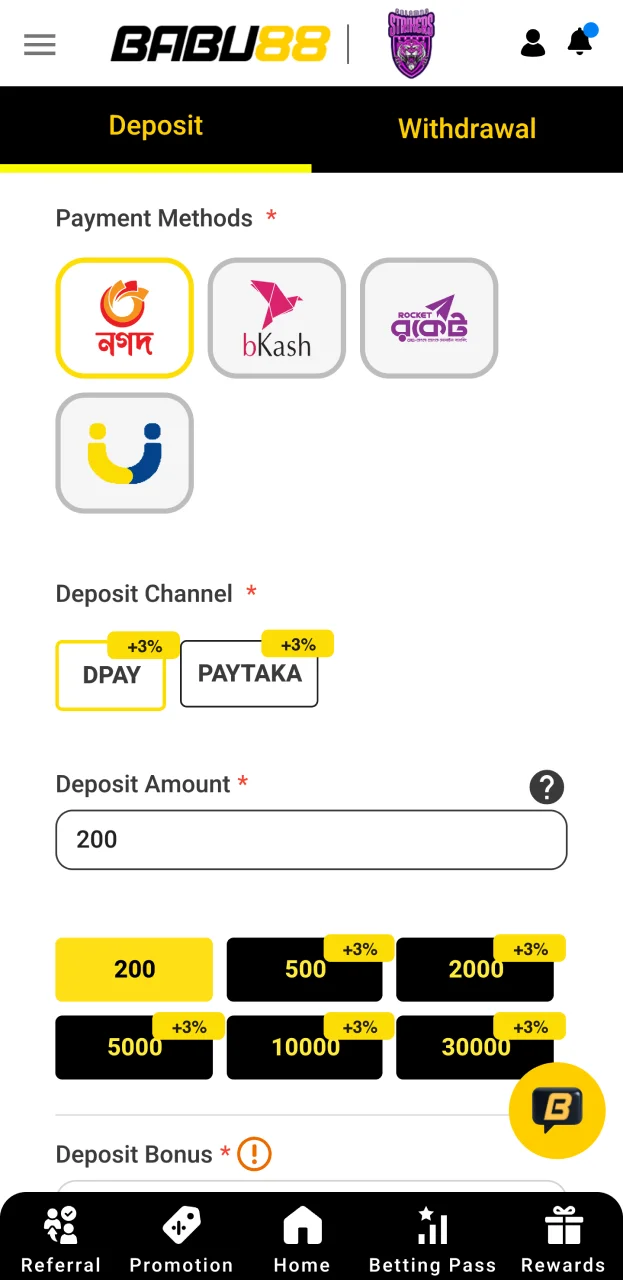
Deposits are also possible if you use our mobile app as well, and do not differ much. Here is what you need to do in order to deposit to your account via the Babu88 app:
After spending some time placing sports bets or playing casino games and getting some winnings, you can withdraw them from your account quickly and easily. You can use the local bank to make your withdrawals.
| Payment Method | Commission | Processing Time | Minimum Withdrawal | Maximum Withdrawal |
| Bkash | Free | From 15 minutes to 1 banking day | 800 BDT | 30,000 BDT |
| Nagad | Free | From 15 minutes to 1 banking day | 800 BDT | 30,000 BDT |
| Upay | Free | From 15 minutes to 1 banking day | 800 BDT | 30,000 BDT |
| Rocket | Free | From 15 minutes to 1 banking day | 800 BDT | 10,000 BDT |
The process of withdrawing your winnings from your account is not any more complicated than depositing, and can also be done in a couple of minutes. Here is what you need to do:
Log into your account by entering the username and password.
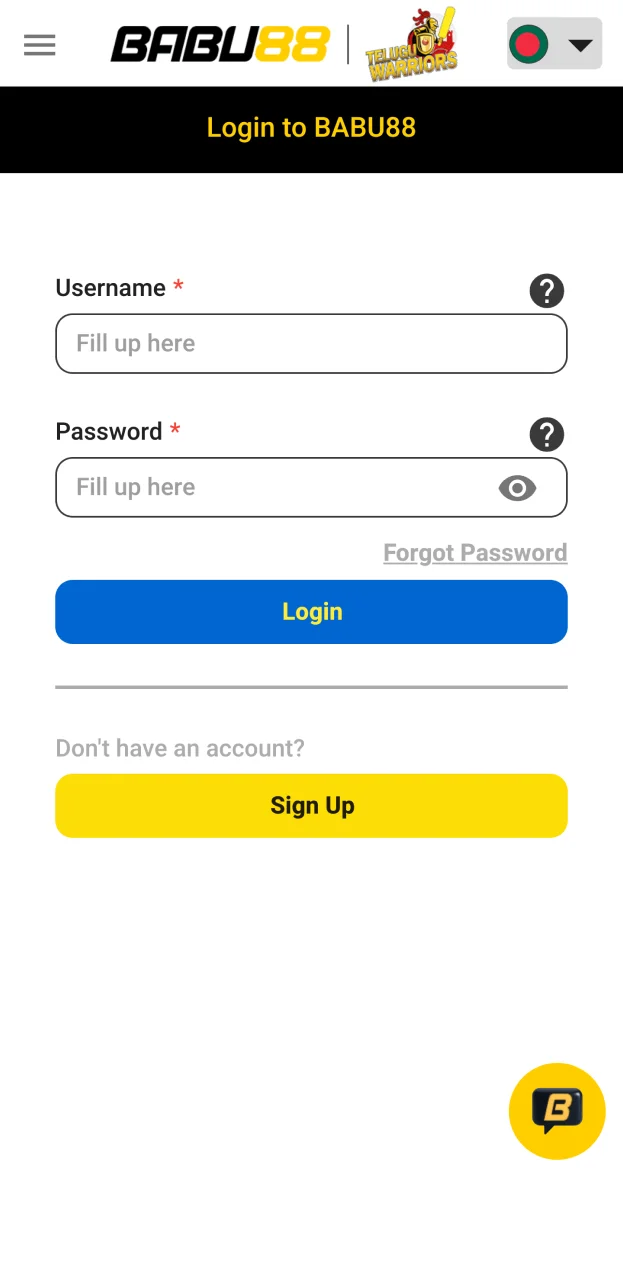
Press the blue plus button, then switch from deposits to withdrawals.

Select a method of withdrawing from those offered.
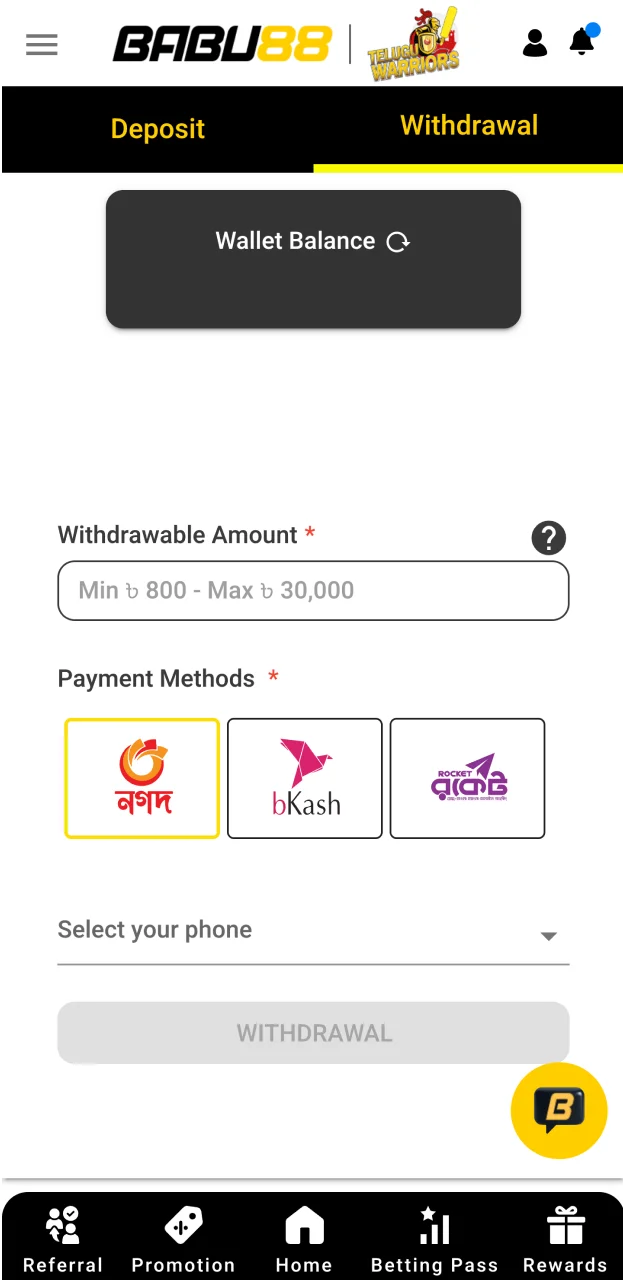
Enter your details, as well as the amount you wish to withdraw.
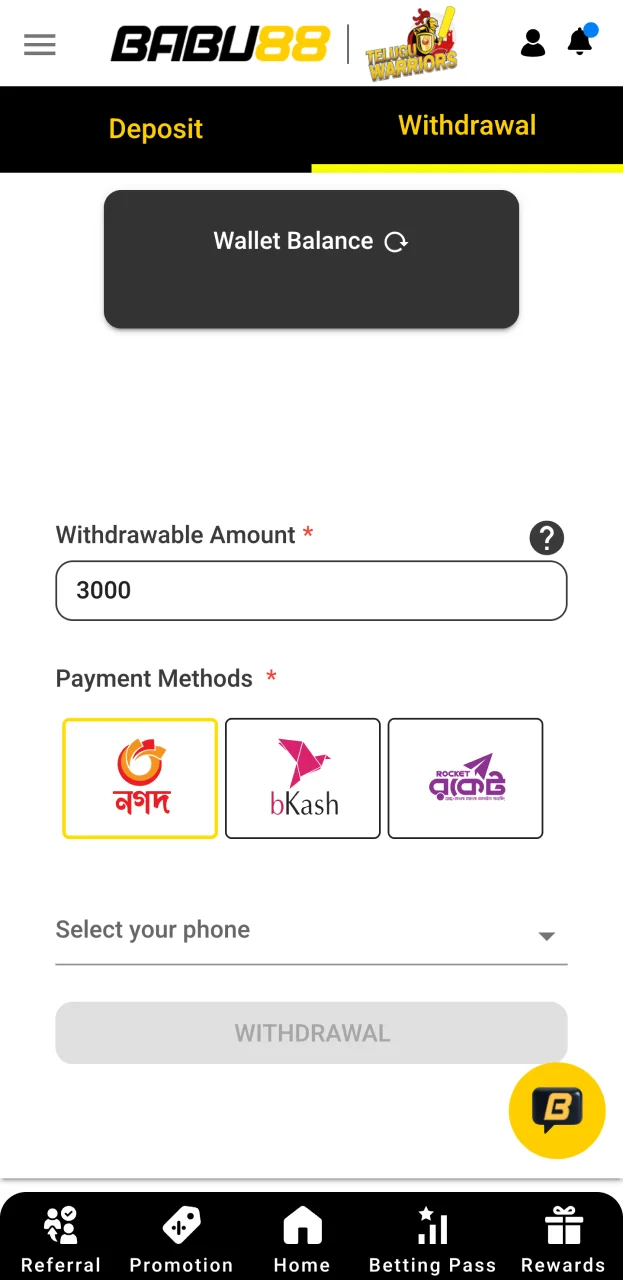
Similar to deposits, withdrawal in the application is also possible and easy. You can use the following instructions to complete it successfully:
Updated:
Comments